
API Integrations: Connecting Your Website to the Tools You Already Use
How API integrations connect your website to CRMs, ERPs and payment systems — and what makes an integration reliable.
 Sirpi Softwares Team
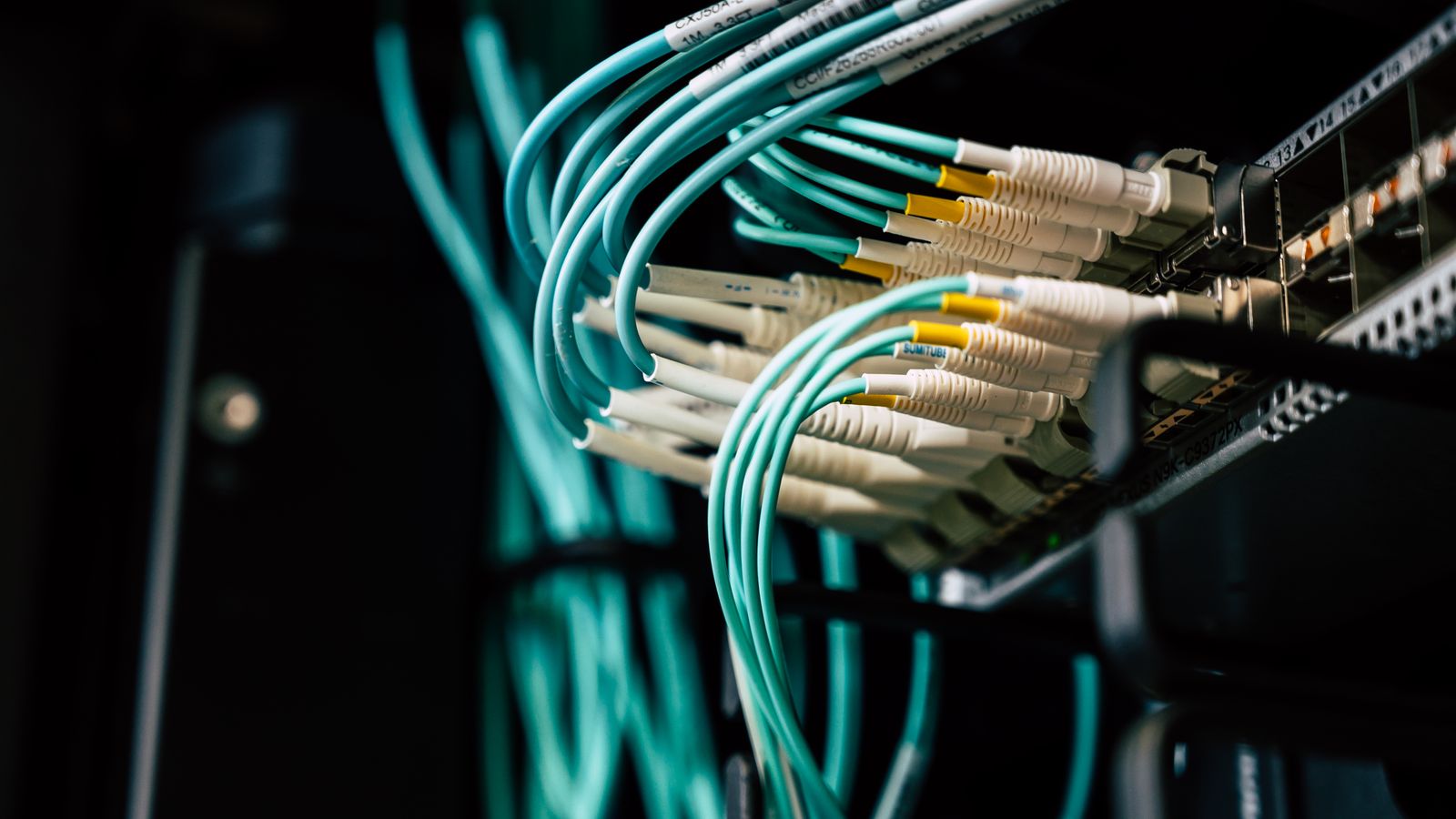
Your website collects valuable data: leads, orders, bookings and sign-ups. API integrations move that data automatically into the tools your team already uses, removing manual copy-and-paste.
Common integrations
- Sending form enquiries to a CRM such as HubSpot
- Syncing orders and stock with an ERP or inventory system
- Connecting payment and shipping providers
- Triggering emails or messages from website events
APIs and webhooks in one minute
An API lets one system ask another for data or tell it to do something. A webhook works the other way round: a service notifies your system when something happens, such as a completed payment.
POST /api/leads
{
  "name": "Customer name",
  "email": "customer@example.com",
  "source": "website"
}
What makes an integration reliable
- Clear data mapping between systems
- Validation before data is sent
- Retries when a service is temporarily unavailable
- Logging and alerts so failures are noticed
- Credentials stored securely on the server
Before building, check whether the service offers an official plugin or app — and whether it really covers your workflow.
Related services
API Integration
Connect your website to CRMs, ERPs, payments and third-party services.
Web Applications
Dashboards, portals and SaaS products built to scale.
E-Commerce Development
Online stores that are fast, trustworthy and easy to manage.